


60% Wireless Gaming Keyboard and Mouse Combo, RGB Backlit Quiet Ergonomic Mechanical Feeling Keyboard, Gaming Mouse for Desktop
- Regular price
-
262,00 kr - Regular price
-
521,00 kr - Sale price
-
262,00 kr
Couldn't load pickup availability
Shipping information
Use collapsible tabs for more detailed information that will help customers make a purchasing decision.
Ex: Shipping and return policies, size guides, and other common questions.
Returns information
Use collapsible tabs for more detailed information that will help customers make a purchasing decision.
Ex: Shipping and return policies, size guides, and other common questions.


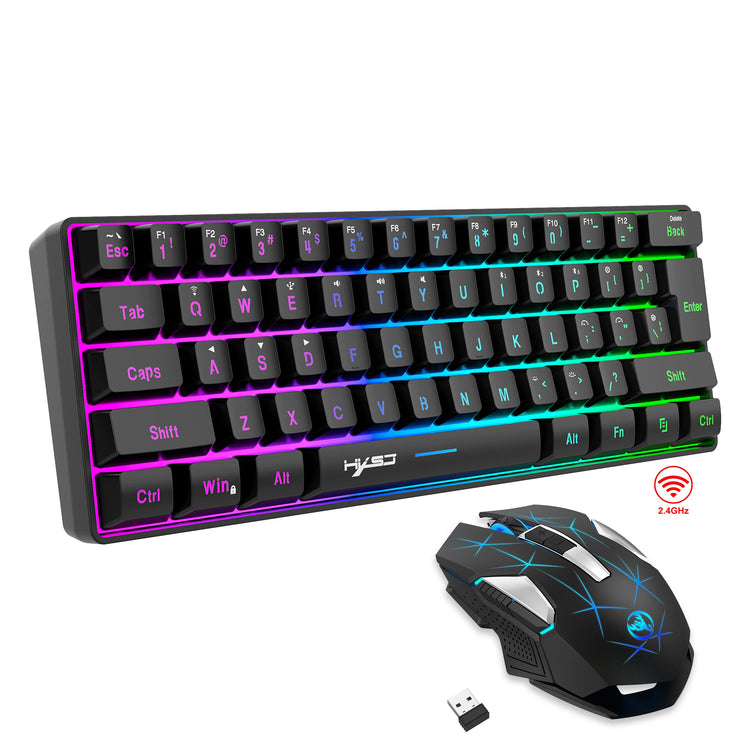

Product Details
SPECIFICATIONS
Applicable Object: For Game
Battery Included: Yes
Brand Name: HXSJ
Choice: yes
High-concerned chemical: none
Interface: USB,USB
Keyboard Connection: WireLess
KeyboardMouseType: Wired
Model Number: L500 Set
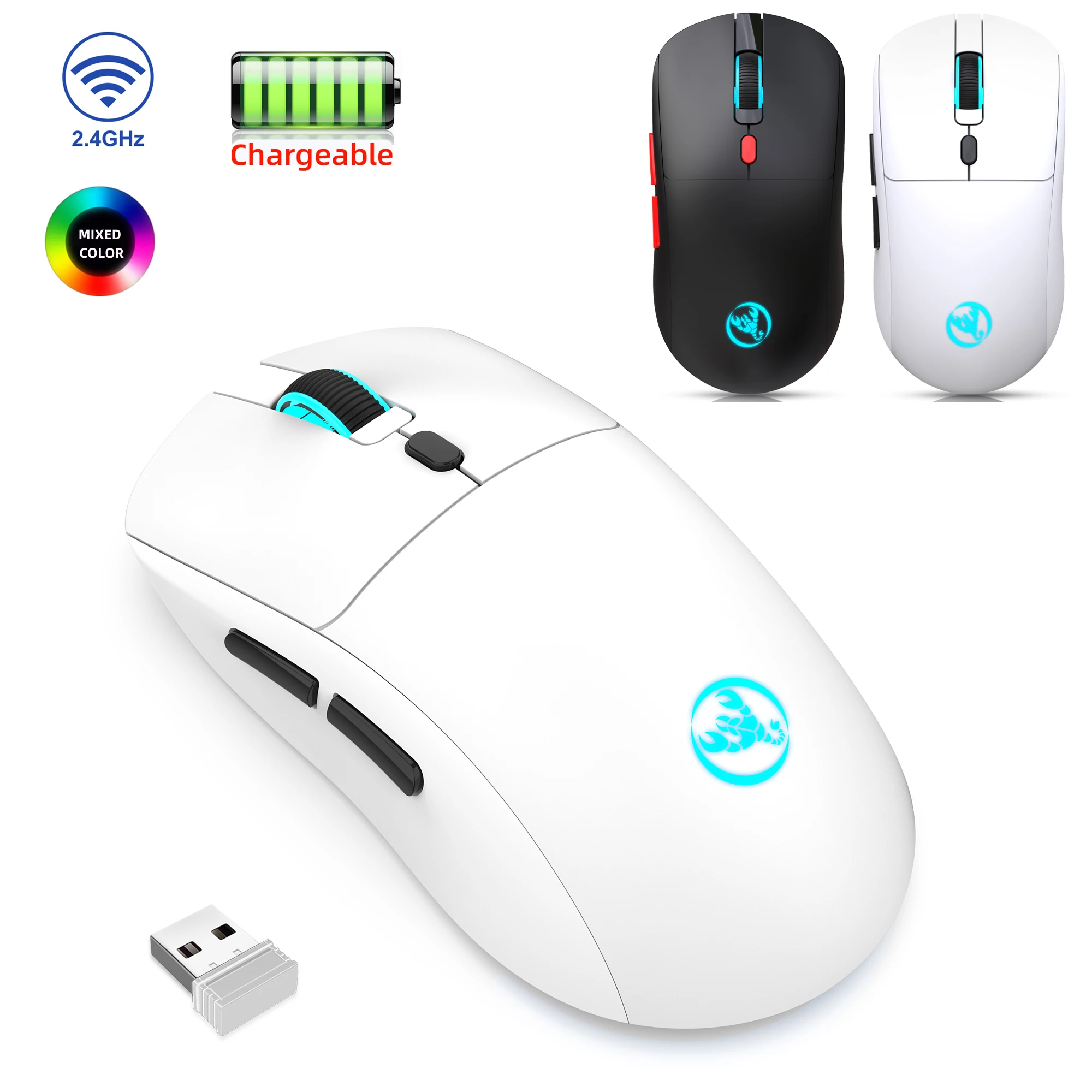
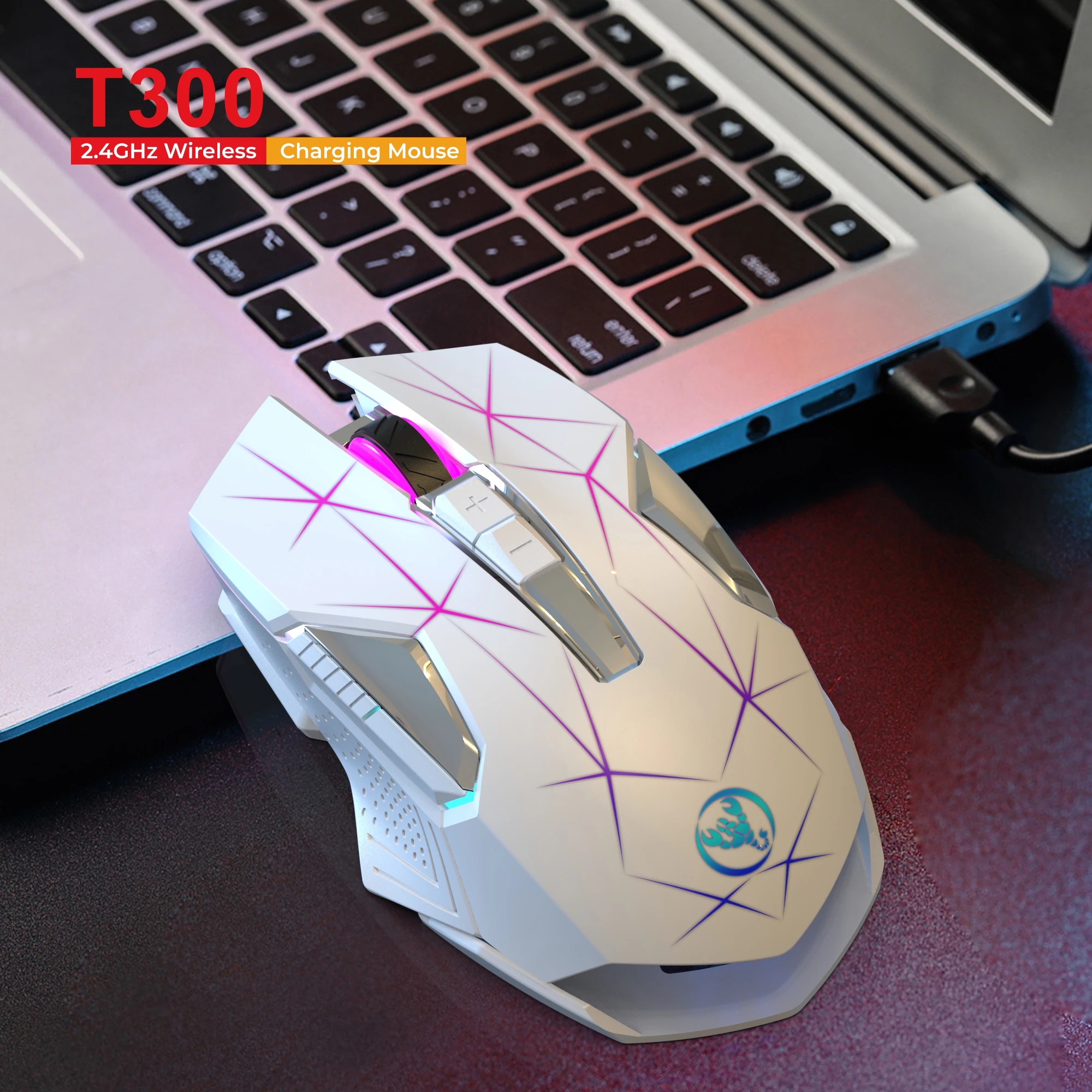
Mouse Connection: WireLess
Origin: Mainland China
Package: Yes
Supports Human Engineering: Yes
Type: ERGONOMIC,Gaming,Mini,WireLess
semi_Choice: yes
 Keyboard specifications:
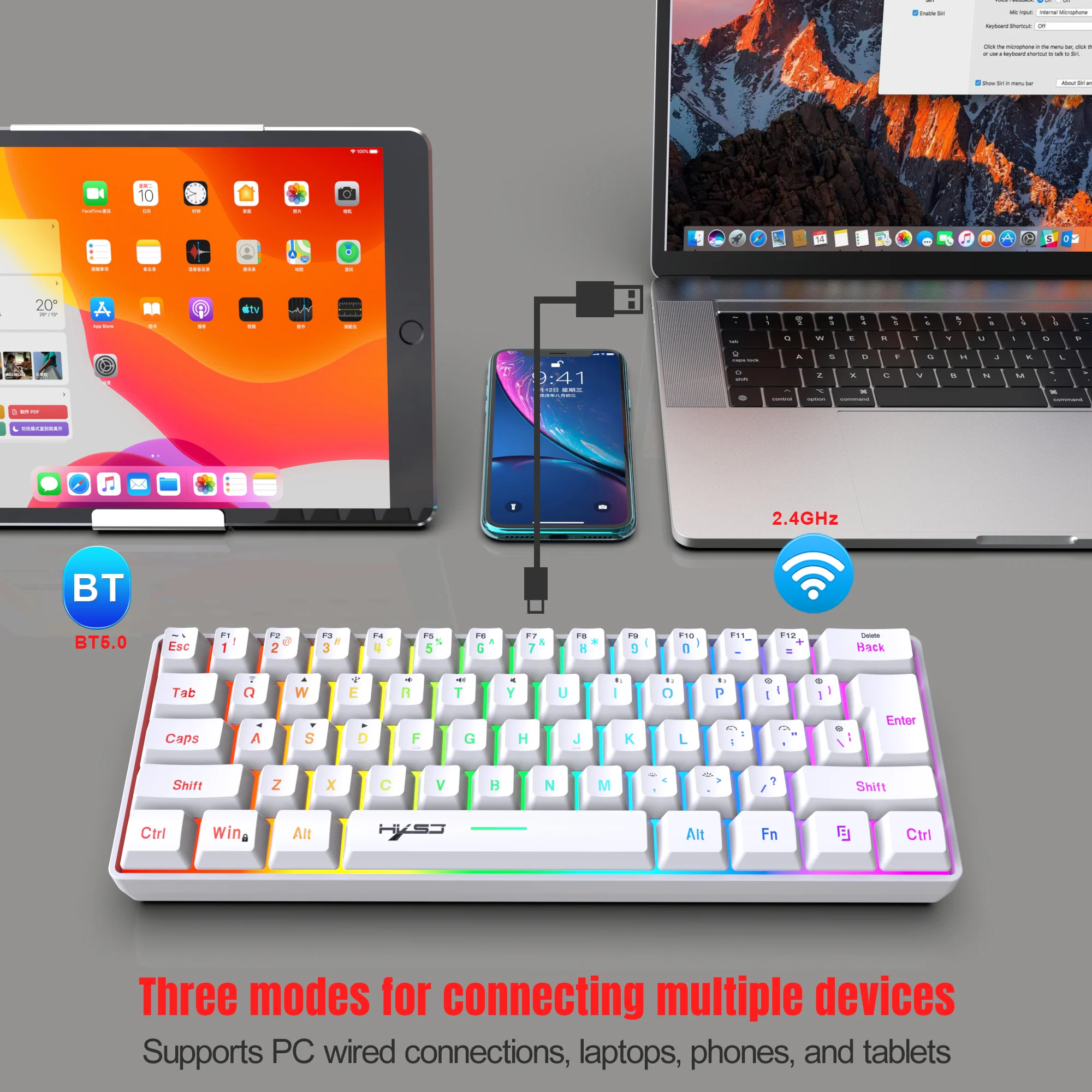
Specification item:Wired +2.4G+ Bluetooth Triple mode keyboard
Product number: L500 Compact membrane keyboard
Interface Type : USB TO TYPE-C Interface
Connection method:Wired + BT5.0 + 2.4G Triplemode
Built-in battery capacity: 2000mA Rechargeable lithium battery
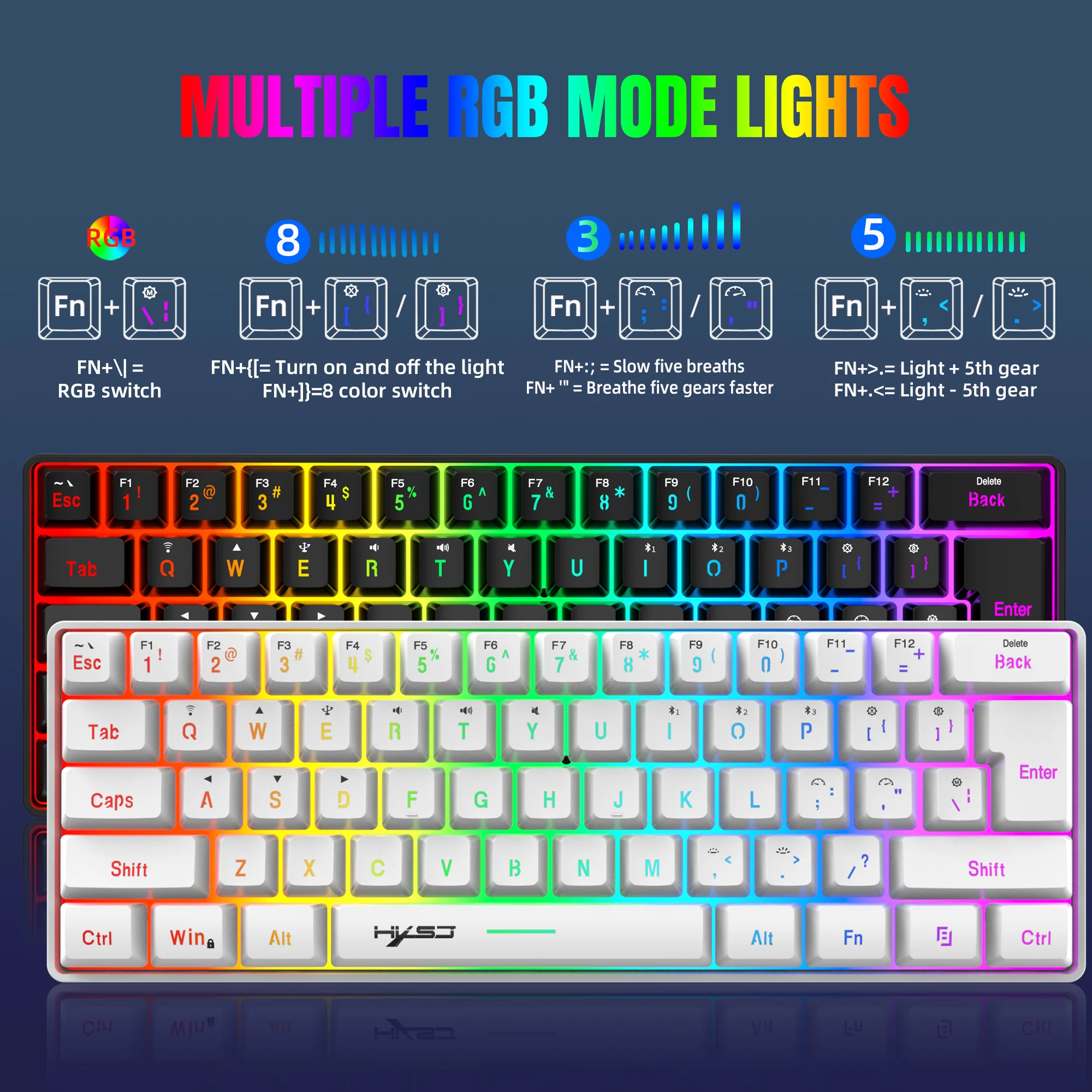
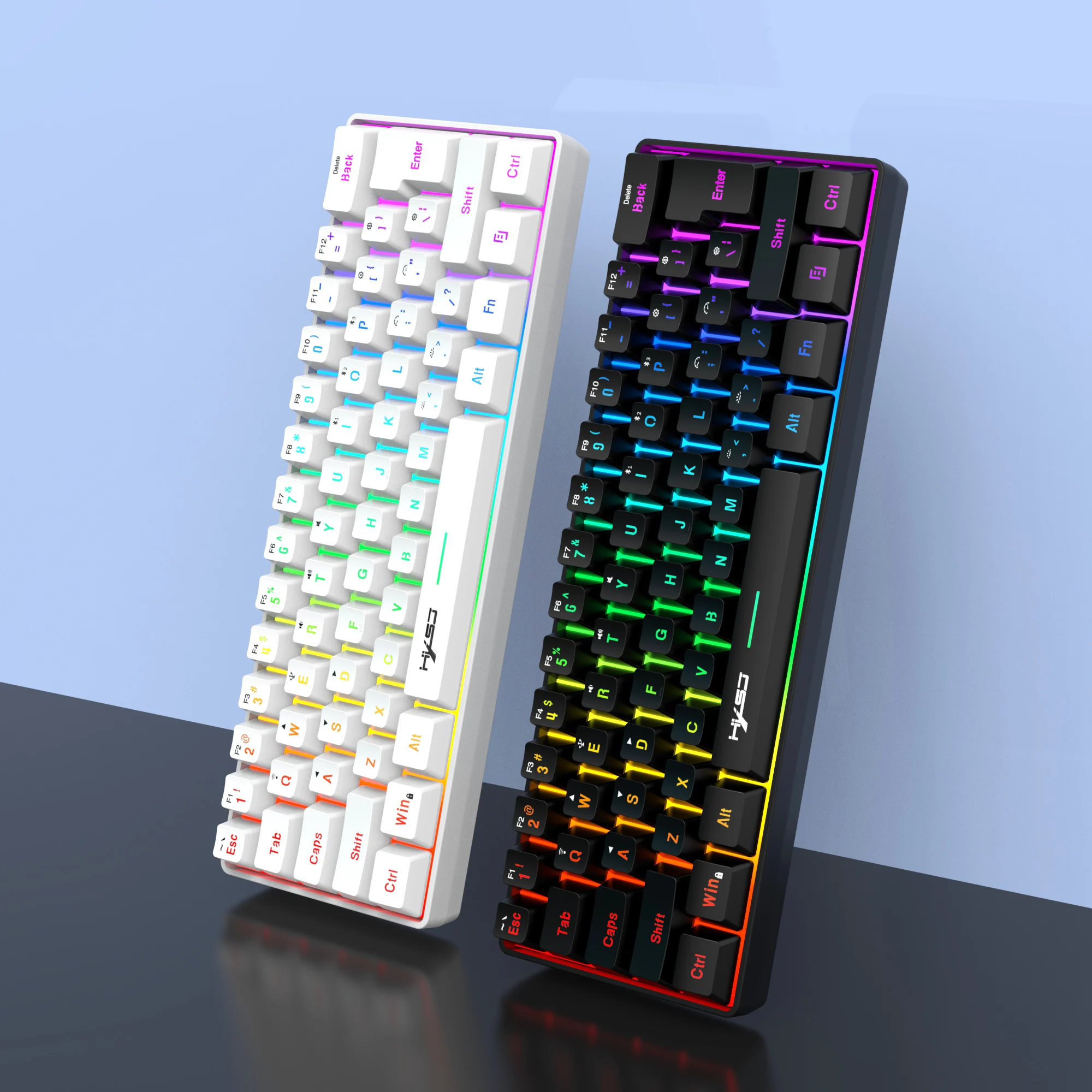
Light mode: Multiple RGB light modes
Number of keys: 61 Keys
Button life:10 million times or more
Operating Voltage:3.3V~4.2V DC
Working current:50mA (MAX)
Charging Cable:1.7m±0.3m Type-C Interface
Key cap material :ABS
Key cap production process:Oil injection radium carving process glow
Multimedia:With multimedia (laser carving)
Product weight: 391g
Product size: 29.2*10.2*4CM
Packagesize: 32*13*4.5cm
Packageweight: 540g
Package included:
1x Gaming keyboard
1x USB receiver
1x 1.7M Type-C charging cable
1x English User manual
System compatibility:
Compatible with IBM PC Win98SE/Me/2000/XP/VISTA/WIN 7/WIN10/WIN11 and Mac OS and Linux the latest system
Supported devices:
Multiple devices such as mobile phones, tablets, and desktop computers can be connected at the same time.
Compound function key switch:
Backlight adjustment:
FN+{[= Turn on and off the light
FN+]}= 8 color switch
FN+\|= RGB switch
FN+>.= Light + 4th gear
FN+.<= Light - 4th gear
FN+:; = Slow four breaths
FN+ '" = Breathe fourgears faster
Compound function key switch:
FN + Q = 2.4 G
FN+I= BT 1
FN+O= BT 2
FN+P= BT 3
FN+E= Wired
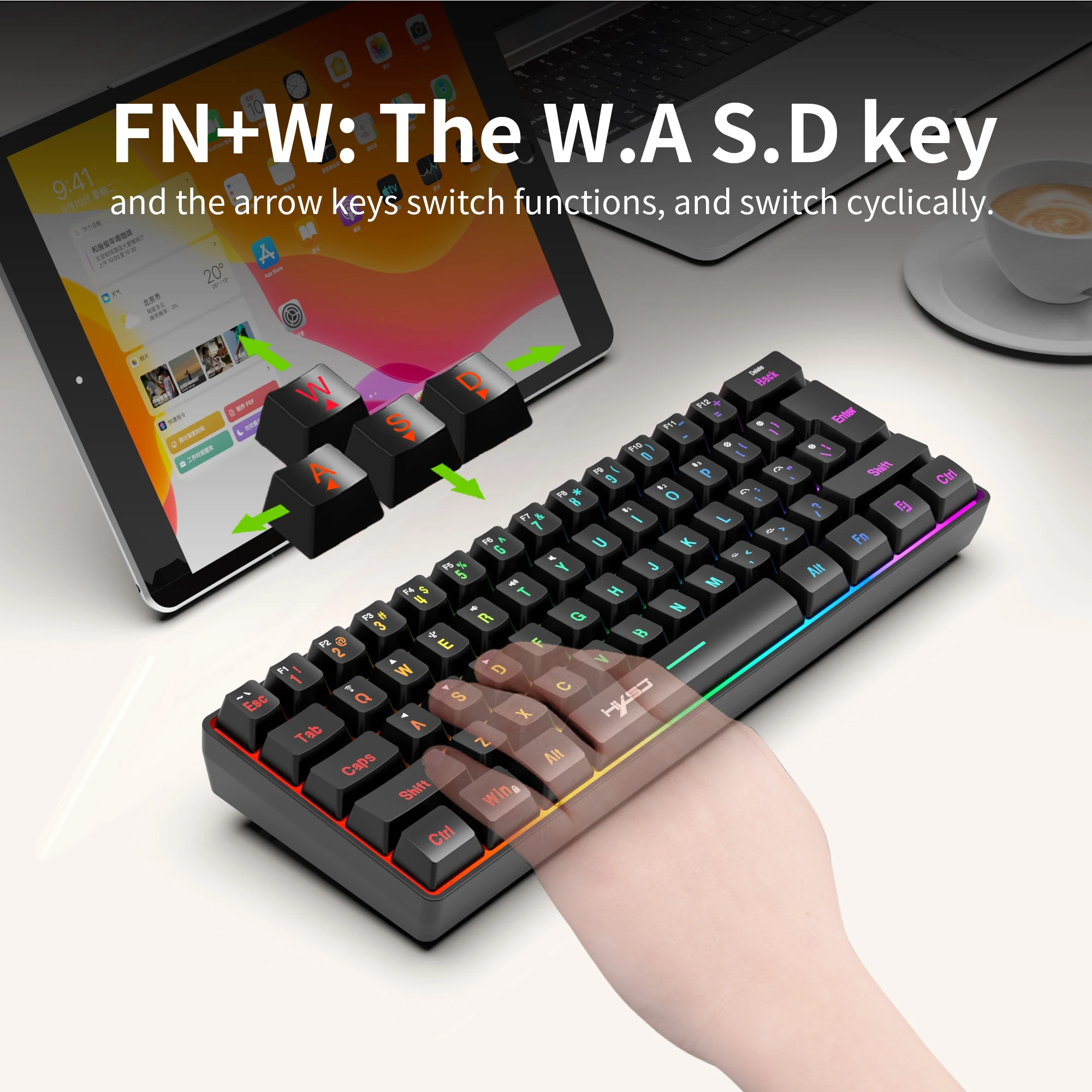
FN+W= Toggle arrow keys
FN+R= Volume -
FN+T= Volume +
FN+Y= Mute
FN+ESC=~`
FN+1! key: F1
FN+2@ key: F2
FN+3# key: F3
FN+4$ key: F4
FN+5% key: F5
FN+6^ key: F6
FN+7& key: F7
FN+8* key: F8
FN+9 (Key: F9
FN+0) key: F10
FN+- key: F11
FN+ =+ key: F12
FN+Back key: Delete
FN+Win =Lock the key Win and APP
Bluetooth Connection:
1.Turn the switch at the bottom of the keyboard to ON.
2. Press and hold the key FN+I= BT1, FN+O= BT2, FN+P= BT3. At this time, the green light flashes
rapidly under the F3 key, and the keyboard enters the state of sending Bluetooth code pairing (code
pairing mode).
3. Open your Bluetooth device search, find BTname, click Connect, LED stop flashing, Bluetooth
connection successful.
2.4G connection mode:
1. Turn the switch at the bottom of the keyboard to ON.
2. Hold down the FN+Q key. The green indicator under the F3 key blinks rapidly. Keyboard entered 2.4G
pairing mode.
3. Insert the 2.4G receiver. After the connection is successful, the green light of E key will no longer
blink.
Wired connection:
1. Turn the switch at the bottom of the keyboard to OFF.
2. Hold down the FN+E key. The green indicator under the F3 key blinks rapidly. Plug the keyboard cable USB port into the computer Settings to complete the connection.
◎Automatic sleep power saving mode:
Supports not operating the keyboard within 30 seconds, the backlight turns off by itself, the keyboard enters the sleep state, press any key to wake up.
◎The charging indicator light is red when charging, and the light is off when fully charged.
When the low voltage indicator is flashing, it indicates that the battery is insufficient, please charge it
in time;
◎Built-in 2000mA capacity battery, fully charged with 5V/1A equipment in about 2 hours; you can continue to use this product while charging.





1. Collapsible tab
Share information about your brand with your customers. Describe a product, make announcements, or welcome customers to your store.
2. Collapsible tab
Share information about your brand with your customers. Describe a product, make announcements, or welcome customers to your store.
3. Collapsible tab
Share information about your brand with your customers. Describe a product, make announcements, or welcome customers to your store.
Tab collage
1. Image heading
2. Image heading
3. Image heading
4. Image heading
Pair text with an image to focus on your chosen product, collection, or blog post. Add details on availability, style, or even provide a review.
Pair text with an image to focus on your chosen product, collection, or blog post. Add details on availability, style, or even provide a review.
Pair text with an image to focus on your chosen product, collection, or blog post. Add details on availability, style, or even provide a review.
Pair text with an image to focus on your chosen product, collection, or blog post. Add details on availability, style, or even provide a review.
Testimonials
Author's nameAdd customer reviews and testimonials to showcase your store’s happy customers.
Author's nameAdd customer reviews and testimonials to showcase your store’s happy customers.
Author's nameAdd customer reviews and testimonials to showcase your store’s happy customers.
Author's nameAdd customer reviews and testimonials to showcase your store’s happy customers.
Author's nameAdd customer reviews and testimonials to showcase your store’s happy customers.